Problem: Unable to access shared folder. “An extended error has occurred.”
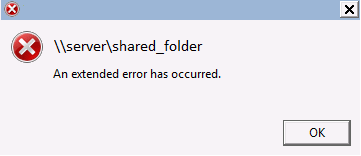
Platform: Windows 8
Solution: Disable “Secure Negotiate” on the Client. Open powershell and run the command below:
Set-ItemProperty -Path “HKLM:\SYSTEM\CurrentControlSet\Services\LanmanWorkstation\Parameters” RequireSecureNegotiate -Value 0 -Force
Note:Windows 8 adds a “Secure Negotiation” element to SMB networking that isn’t compatible with “traditional” SMB; it has to be turned off.

 techguru-itknowledgebase